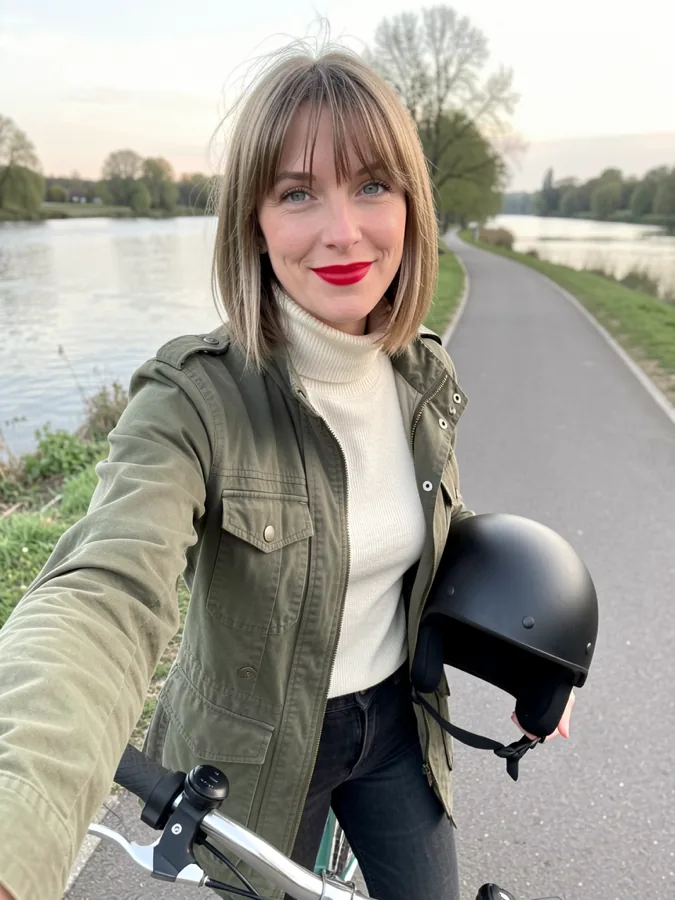
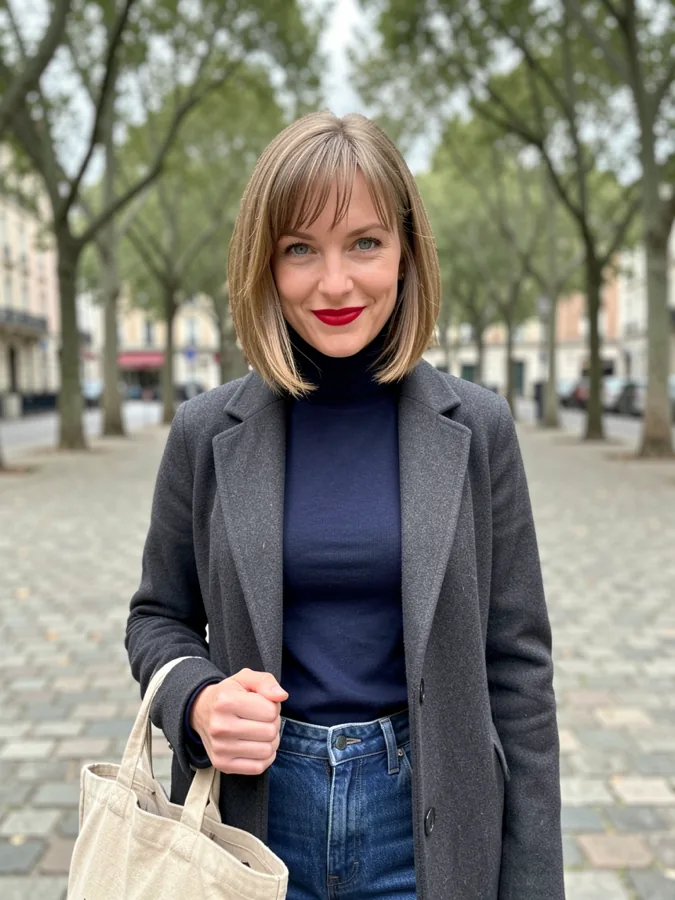
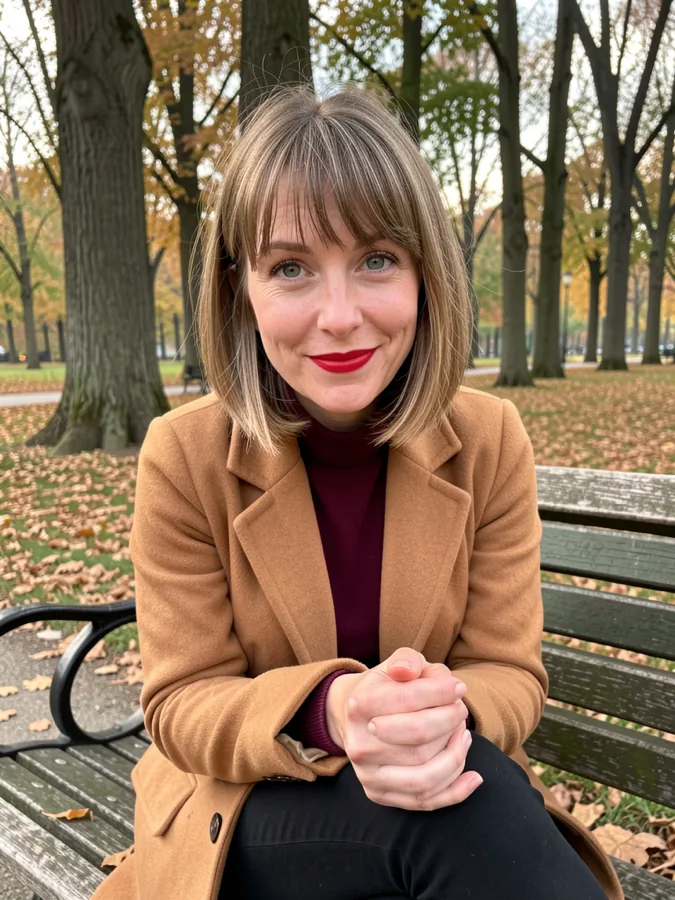
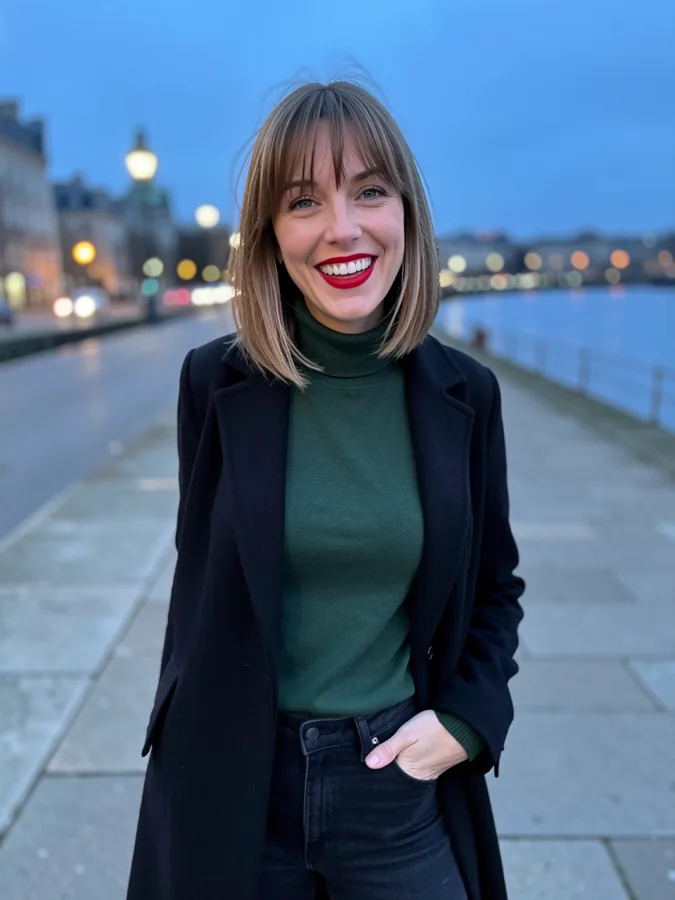
I think Happn is worth installing because it shows people whose paths you have crossed, and that idea feels personal. The next page is a short download guide for adding it to your phone.
It is free to download on Google Play and the App Store, and an optional paid subscription exists. Sign up with a phone number, an email, or a social account if you are an adult.
Location, Crush, and the brakes 🗺
With location permission on, Happn can show profiles of people you may have crossed paths with. I like that the app is plain about needing that permission.
A Crush feature is included, and so are block and report tools when you want a chat to stop. The download guide on the next page walks you through setup before you try them.
I would use one clear photo, a bio with a real habit, and a first message about something on their profile. A small question on a film they love gives the chat somewhere to go.
The buttons lead to the short Happn download guide, your practical next step. Set the app up, then write like a person with a favourite cinema seat.
What I enjoy about it 💛
🗺
Crossed paths
Profiles come from paths you may have crossed, based on location. Allowing location permission is what makes that premise work.
💫
Crush feature
Happn includes a Crush feature, and the name makes me smile. It gives interest a clear, playful spot in the app.
🛡
Block and report
Block and report tools are there for the moment a chat should end. I treat those controls as part of feeling at ease.
Notes I would pin up 🪞
A clear face photo
Use a recent photo where your face is easy to see in daylight. Let that frame feel like you, lipstick optional.
A bio with a scene
Name a habit people can picture, like river rides or flea-market hunts. A concrete detail gives someone a true thing to answer.
A hello that notices
Mention one detail from their profile and ask a sincere question. Attention makes a warmer first message than a clever blank line.
Open the short Happn download guide from the button and put the app on your phone.
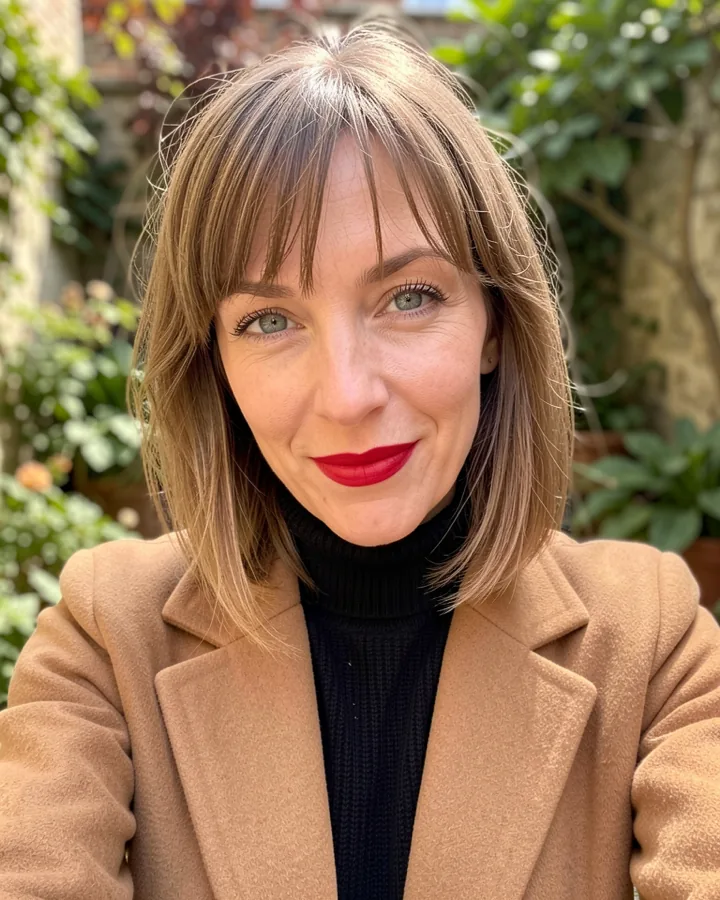 Camille, 25I collect odd films, river Sundays, and a well-timed wink.